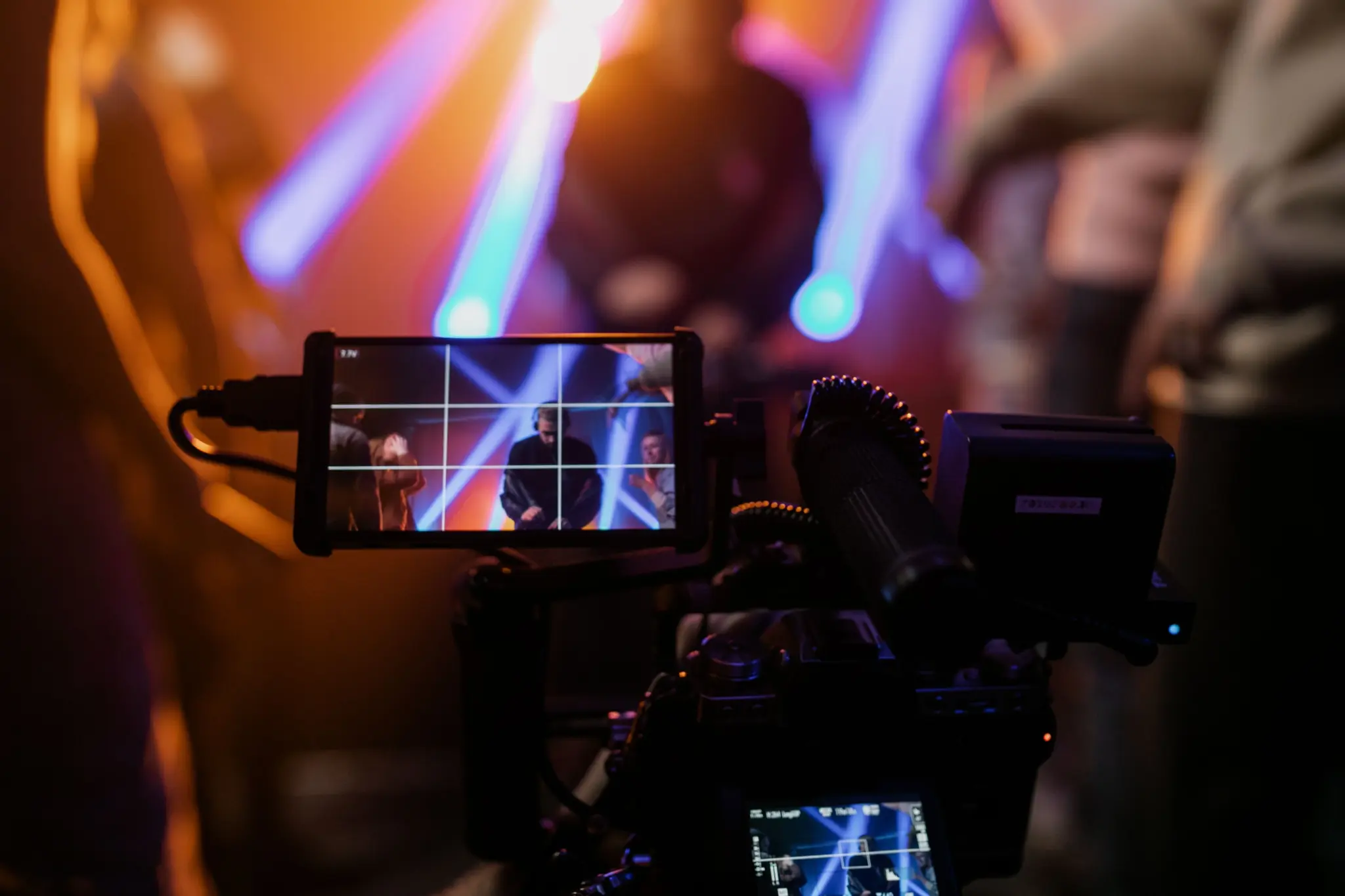
Professional video production for virtual events is the difference between an audience that stays engaged and one that drops off after ten minutes. This guide breaks down what an event production company actually does, what technical infrastructure you need, and how to know when it’s time to bring in a professional team, so your next virtual or hybrid event runs like a broadcast, not a video call. Baltimore Sound Entertainment is building out this exact capability as part of its full-service production lineup.
Why Video Production for Virtual Events Can Make or Break the Experience
For in person events, the room does a lot of heavy lifting. Crowd energy, a well lit venue, the conversations between sessions all contribute to the experience even when a microphone cuts out briefly. Virtual events have none of that buffer. The screen is the entire experience, and if production quality falters, there’s nothing else to hold the audience.
According to Wyzowl, 89% of consumers say video quality impacts their trust in a brand. That’s not a minor preference; it’s the difference between an audience that sees your organization as credible and one that quietly closes the tab. Audiences have raised their expectations, and this guide walks through exactly how to meet them, whether you’re planning a purely virtual event or managing hybrid event production with simultaneous in-room and remote audiences.
What an Event Production Company Actually Does
A virtual event production company does far more than press play on a livestream. The distinction between a streaming platform and a production company matters: platforms like Zoom or Teams provide the infrastructure to broadcast, but they don’t manage the production layer that makes an event feel professional.
A full-service production company typically manages:
- Pre-production planning, including format, goals, and run of show
- Technical setup and equipment management for both presenters and the production team
- Live camera switching and direction during the event itself
- Audio engineering, consistently the most overlooked and most noticeable element when it fails
- Graphics and lower thirds that identify speakers and reinforce brand
- Stream encoding and platform management across whatever platform the client uses
- Post-event video editing and delivery, including clips for later use
Companies that cover this full timeline, from pre-production through post-event delivery, give organizations a single point of accountability and a cleaner path from planning to execution. That model, owned gear, trained staff, and one point of contact, is the same one Baltimore Sound Entertainment applies across its production and entertainment services, from full event video production to DJ in Maryland bookings.
What You Need for Successful Virtual Event Video Production
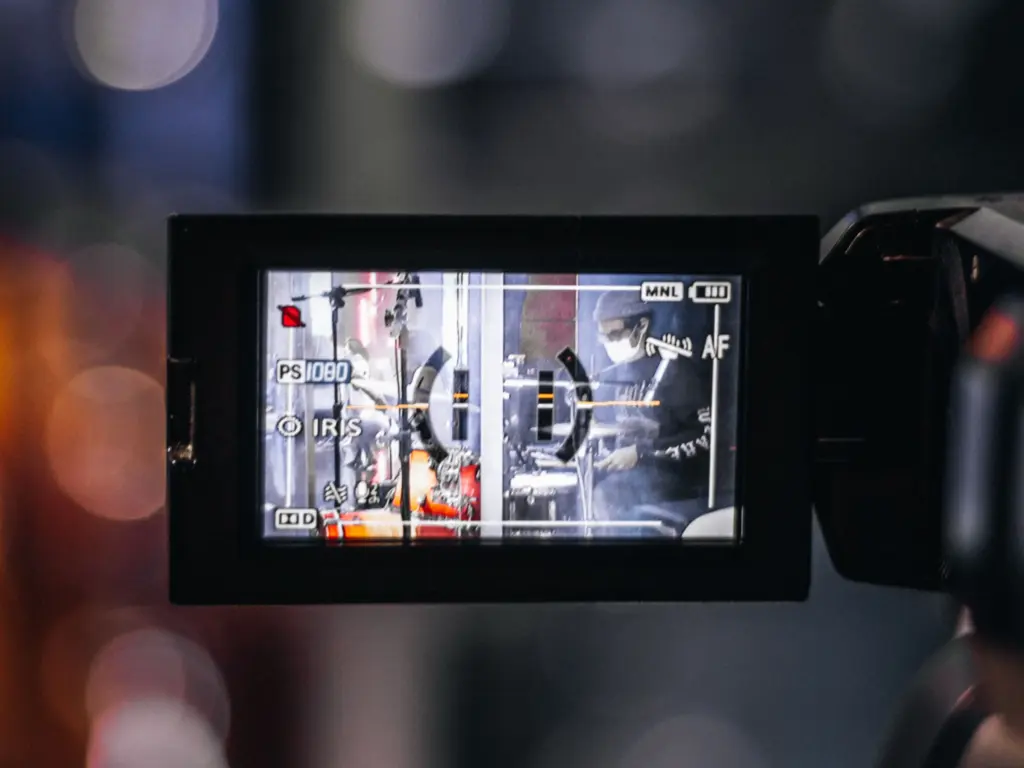
Producing a professional virtual event follows a clear sequence. Skipping steps creates gaps that show up on camera.
Step 1: Define Format and Goals Before Anything Else
Before any technical planning begins, clarify what the event actually is:
- Is it a keynote with a single speaker, a multi-session panel, or a product launch with interactive Q&A?
- What is the expected audience size?
- What are the engagement goals?
- Are recordings required afterward?
A 500-person executive conference has fundamentally different requirements than a 75-person team workshop, and every downstream decision depends on getting this step right.
Step 2: Build the Right Technical Infrastructure
A professional virtual event production setup typically includes:
- Broadcast-grade cameras
- XLR microphones with proper audio interfaces
- Controlled three-point lighting
- A hardware or software encoder
- A dedicated upload connection with a backup redundancy path
There are two equipment environments to manage: the presenter side and the production side. Both matter, and both need to be tested before the event. The best virtual production setups don’t draw attention to themselves; they simply make speakers look and sound authoritative wherever they’re presenting from.
Step 3: Design a Visual Identity That Matches Your Brand
Branded graphics aren’t decoration. This step includes:
- Lower thirds that identify speakers
- Holding slides between sessions
- On-screen layouts for panels
- Consistent color treatment across transitions
- Speaker framing guidelines, including camera distance, background, and wardrobe
Together, these create a visual language that signals a professional, well-organized event.
Step 4: Run a Full Technical Rehearsal
This is the most important step before any virtual event goes live. A technical rehearsal means running the entire show, in order, with every speaker, testing every source, and confirming every transition works as planned, including:
- Speaker audio sources
- Slide deck transitions
- Stream encoding output
- Backup failover procedures
Backup plans get established here too: what happens if a speaker’s internet drops, and who takes over if a slide deck fails to load. Events that skip this step take unnecessary risks.
Virtual vs. Hybrid Event Production: Choosing the Right Approach
Hybrid event production isn’t simply virtual event production with a room full of people. The two formats have meaningfully different requirements, and conflating them is one of the most common planning mistakes.
A virtual-only event has fully distributed speakers and attendees. The production team controls every audio and video source directly, with no physical room to manage and no crowd noise to work around.
A hybrid event introduces a live in-person audience alongside a virtual one, which increases complexity considerably. Now you’re serving two audiences at once, which means:
- Managing in-room audio that can bleed into streaming microphones
- Coordinating physical AV with streaming AV
- Ensuring room cameras capture speakers in a way that reads well on a small screen
- Giving remote attendees a way to participate in Q&A without disrupting the in-room flow
When this isn’t planned for, the results are predictable: audio latency between the live room and the stream confuses remote panelists responding to in-room questions, in-room speakers end up mic’d poorly because the room PA seemed sufficient, and virtual attendees end up watching what feels like a security feed rather than a produced event. Understanding which format you actually need is the first real decision, and it shapes everything from staffing to gear.
When to Hire a Virtual Event Production Company
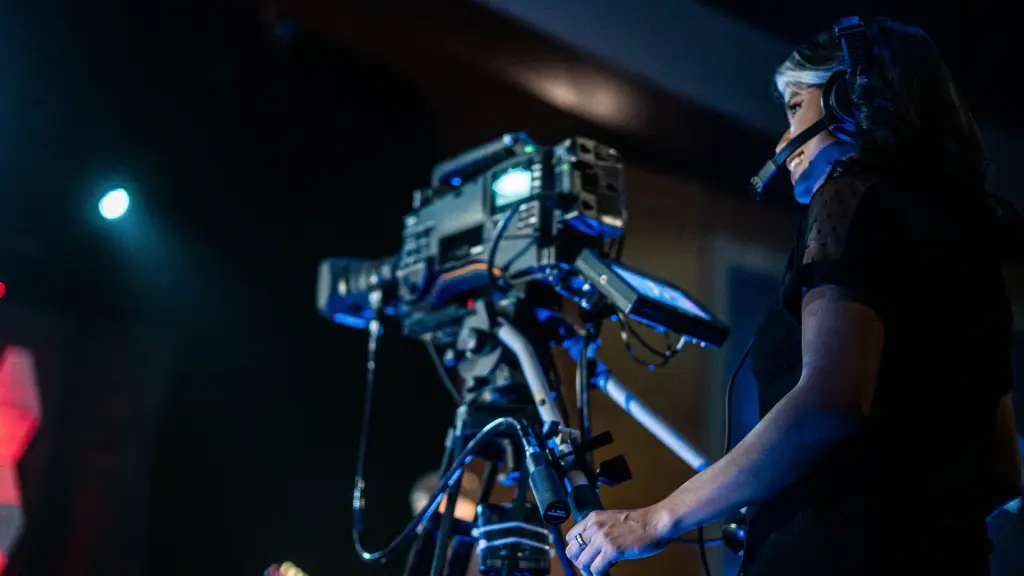
Professional virtual event production is the right call in some situations and unnecessary overhead in others.
DIY may work fine for:
- Internal team meetings
- Small webinars with familiar participants
- Recurring, low-stakes formats where the technology is already known and stable
Hiring a professional team makes sense when:
- The audience hasn’t met your brand before
- C-suite presenters are on camera and credibility is on the line
- A live-streamed product launch means a technical failure would be public
- Multi-speaker panels with remote participants need coordinated audio, video, and timing
The most common objection to hiring professional help is cost. The more accurate frame is risk mitigation. When an executive keynote for 800 people has audio that cuts out repeatedly, the cost isn’t just the event; it’s the brand impression left with every attendee. A practical gut check: if something went wrong with the stream during this event, what would the actual cost be? If the answer makes you uncomfortable, that’s the signal to bring in a professional team.
The Hidden Elements That Separate Good Virtual Events From Great Ones
Most guides on virtual event video production cover cameras and internet bandwidth. Here’s what they leave out:
- Director-producer communication. A clear chain of command, someone calling shots, someone managing speakers, someone watching stream quality, keeps a live show on track. Collapsing these roles into one person creates the conditions for errors.
- Speaker coaching. How a presenter sits on camera, what they wear, and whether they’re looking at their lens or their own image changes how credible they appear.
- Audio environment control. A speaker presenting from a room with bare walls, a loud HVAC system, or traffic noise will sound unprofessional regardless of microphone quality.
- Latency management. Audio delay between the in-room feed and the streaming feed causes confusion when remote panelists respond to in-room questions, and it’s only solvable if someone is watching for it.
- A dedicated moderator. Managing slides, chat, Q&A, and timing is too much for one distracted host to juggle well.
- Redundancy planning. Backup internet, backup encoding, and a clear emergency contact tree answer the question of what happens if the primary stream fails in the first five minutes.
- Engagement architecture. How polls, Q&A, and live reactions get woven into the event flow is a production decision, built into the run of show, not an afterthought left to the platform.
What to Look For in a Production Partner
Choosing the right virtual event production company comes down to a handful of practical criteria:
- Experience with your specific format. A company that produces five-speaker panels handles different complexity than one focused on single-presenter webinars. Ask for comparable examples.
- In-house crew versus subcontractors. When a company owns its gear and employs its people, accountability is cleaner: one point of contact, one standard of training, no finger-pointing between vendors when something goes wrong.
- Platform flexibility. A strong partner works with your platform of choice, not just the one easiest for them.
- Rehearsal protocol. Any serious production company insists on technical rehearsals. Treating rehearsals as optional is a red flag.
- Redundancy planning. Ask what the backup plan is if the primary stream fails. A vague answer is a warning sign.
- Post-event deliverables. Confirm whether edited recordings are included in scope, and whether that content can be repurposed into short clips, podcast audio, or on-demand replays.
- Day-of support structure. Know who your point of contact is when the event is live and something needs a fast decision.
Baltimore Sound Entertainment checks these boxes with the same in-house crew and gear it already brings to weddings, corporate galas, and large-scale activations, which is why virtual and hybrid event video production is a natural extension of its production lineup.
Ready to Elevate Your Next Virtual or Hybrid Event?
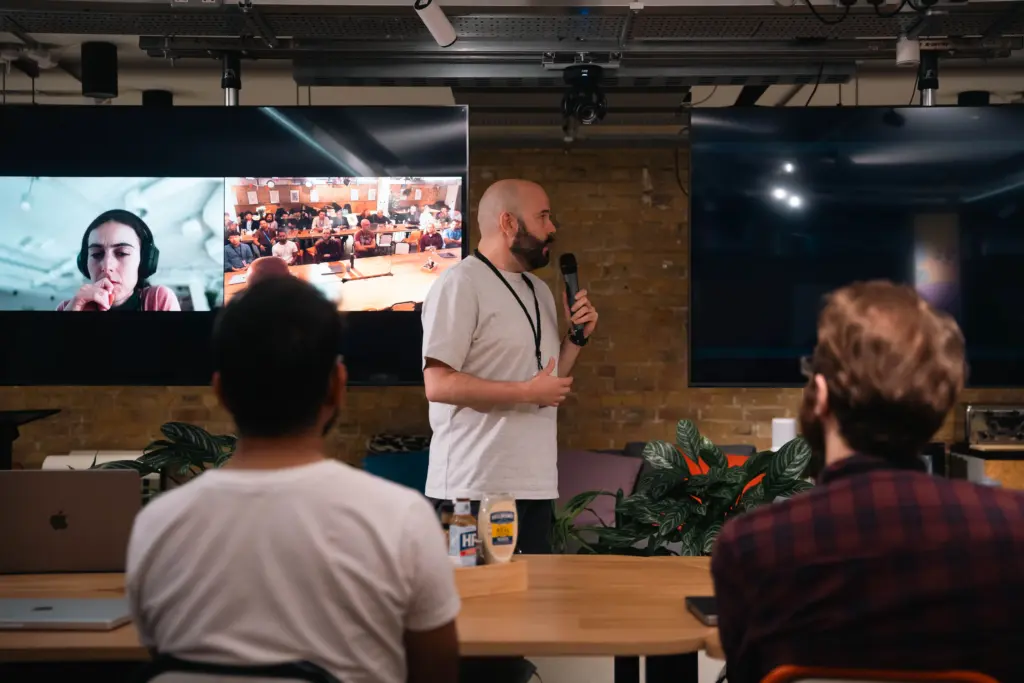
Professional video production for virtual events is both a technical discipline and a craft. Get the pre-production right, build the right infrastructure, coach your speakers, and plan for what can go wrong, and the live execution becomes manageable. Skip any of those steps, and the stream will show it.
Baltimore Sound Entertainment specializes in full-service event production and AV, from pre-production planning through post-event video delivery, with a dedicated event video production page in the works to make this capability easier to find. Let’s talk about what your event needs.
FAQs about Virtual Event Video Production
What equipment do I need for professional virtual event production?
The core list includes a broadcast-grade or high-quality DSLR camera, an XLR microphone with an audio interface, a three-point lighting setup, a capture card or hardware encoder, and a dedicated upload connection of at least 10 Mbps with a backup on standby. Production-side equipment also includes video switching software or hardware and a communication system between the director and on-camera talent.
How far in advance should I book a virtual event production company?
For complex or large-scale events, 6 to 12 weeks of lead time is appropriate. For more straightforward productions, 4 to 6 weeks is the minimum to allow for proper pre-production, graphic design, speaker coordination, and at least one technical rehearsal.
Can virtual event recordings be repurposed after the event?
Yes, and they should be. Common formats include edited session replays, short-form clips for social platforms, speaker highlight reels, clean audio tracks for podcast distribution, and written content from event transcripts. Planning for repurposing before the event ensures the recording is captured in the right format and resolution from the start.